My Team
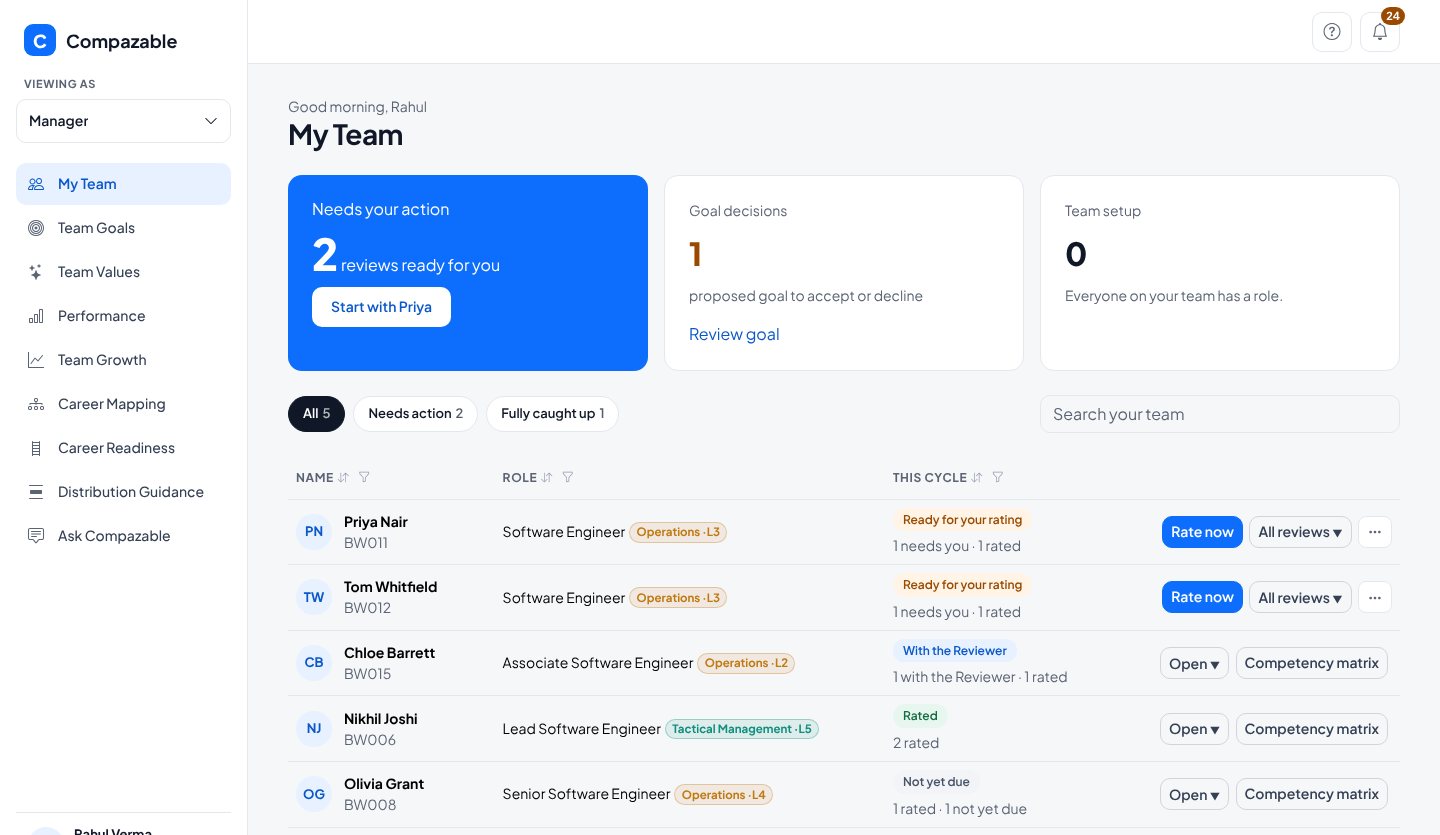
A card tells you how many reviews are ready, how many proposed Goals need a decision, and whether anyone on your team is missing a Role. Below it, each person and where their review stands.

Everything you need to review your team sits in one place: the reviews waiting for you, the rubric beside every score, Goals between reviews, and a way to record who is ready for the next step.
Shown as Rahul Verma, Engineering Manager, at Brightwave Technologies, who manages five engineers. Every name and number is demo data.
A card tells you how many reviews are ready, how many proposed Goals need a decision, and whether anyone on your team is missing a Role. Below it, each person and where their review stands.

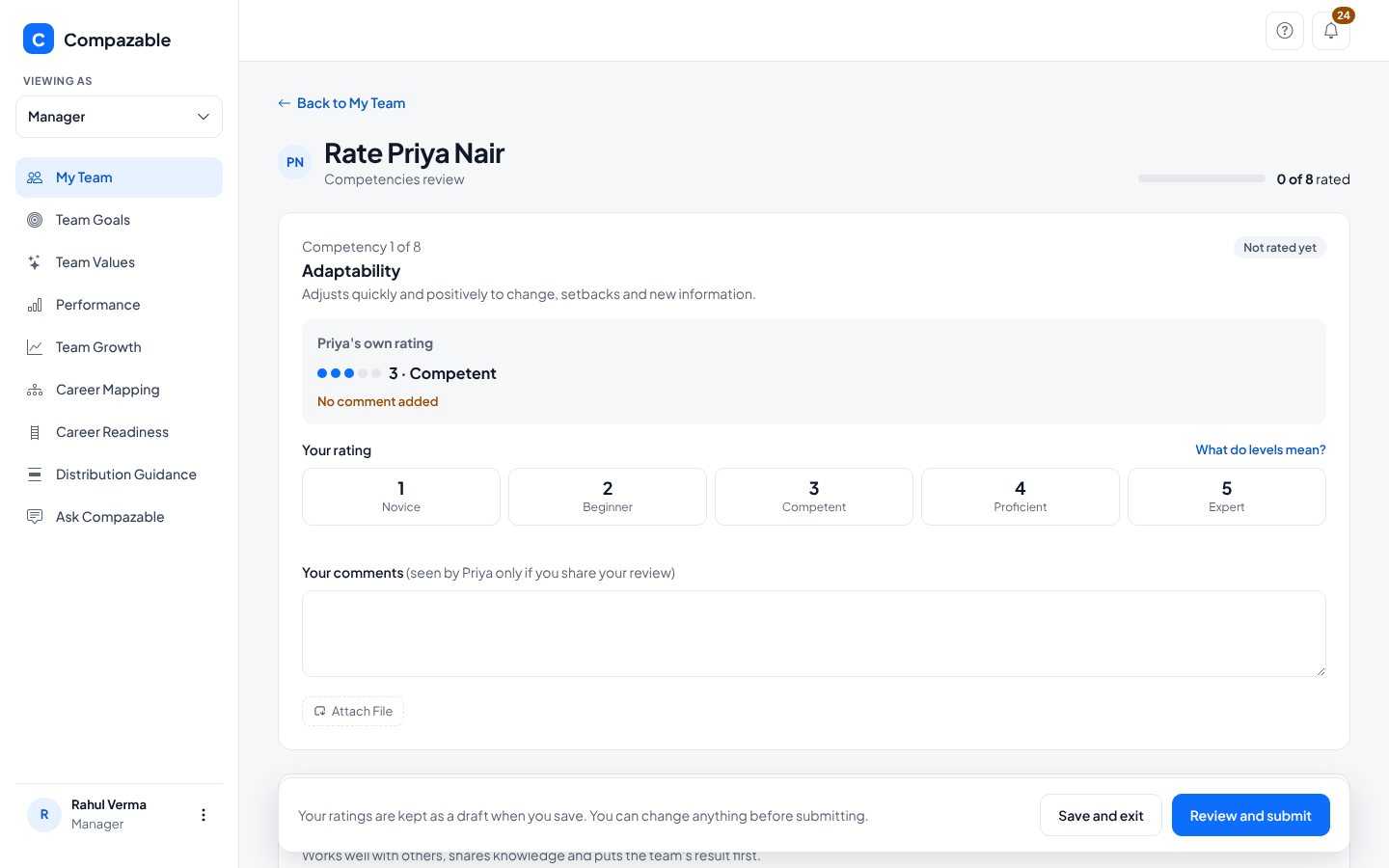
Rate each Competency with the person's own rating beside it. "What do levels mean?" opens the full ladder, so a 3 means the same thing to every manager. Ratings save as a draft until you submit.

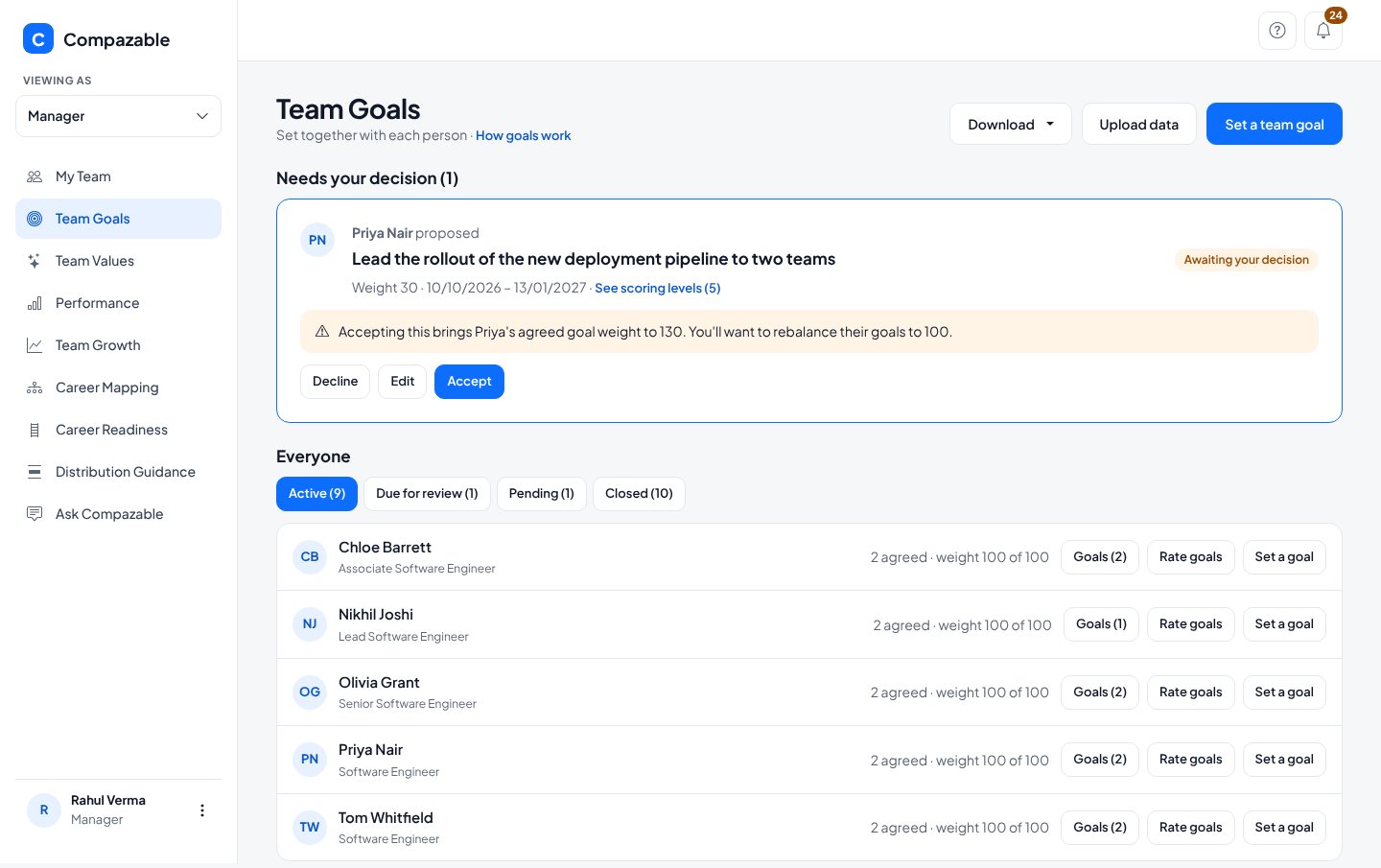
Proposed Goals wait for your decision at the top. Below, every Goal by status, with check-ins between reviews. One team Goal can be set for several people at once.

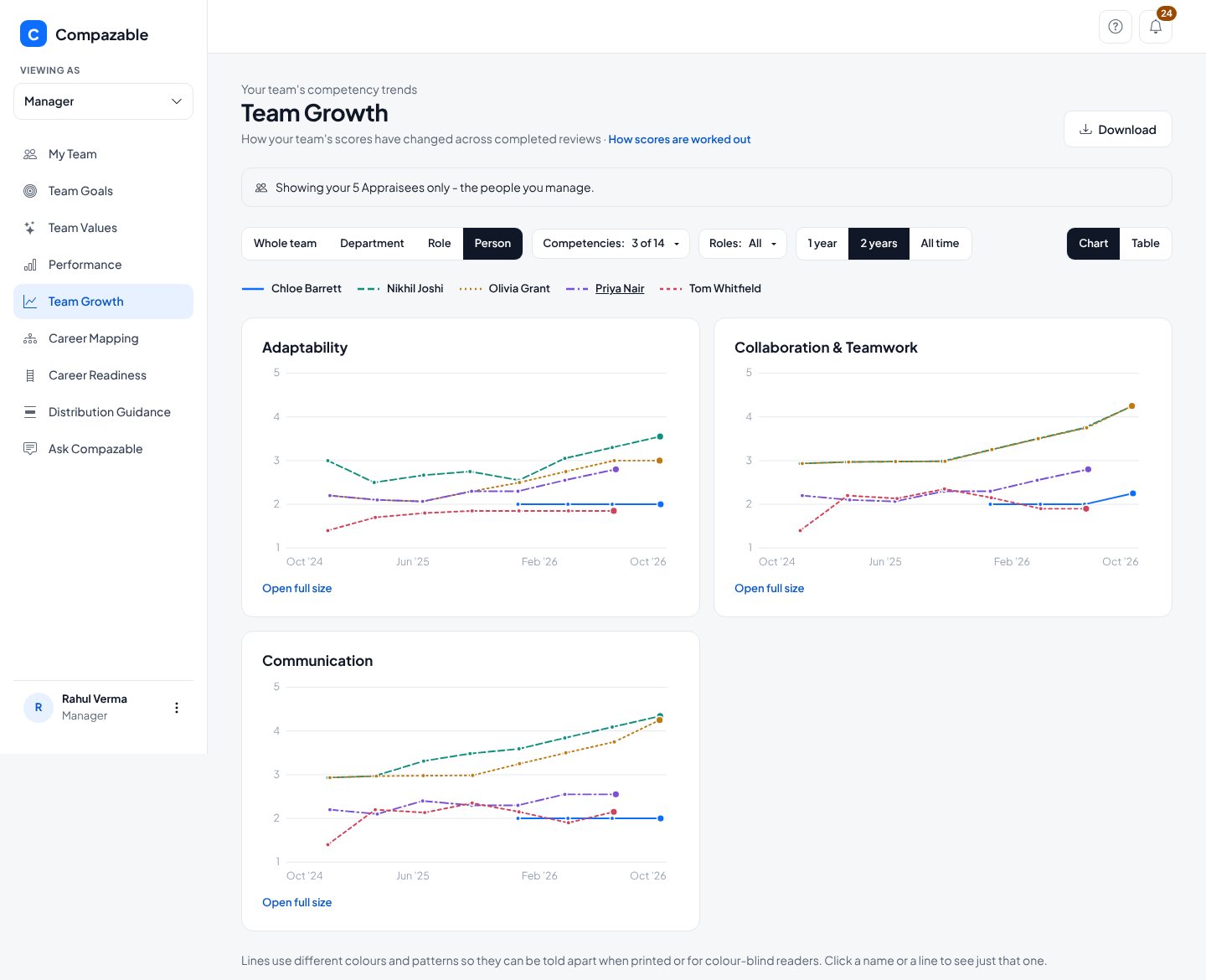
The same Competency trend lines, narrowed to your own people. Switch between the whole team, a department, a Role or one person.

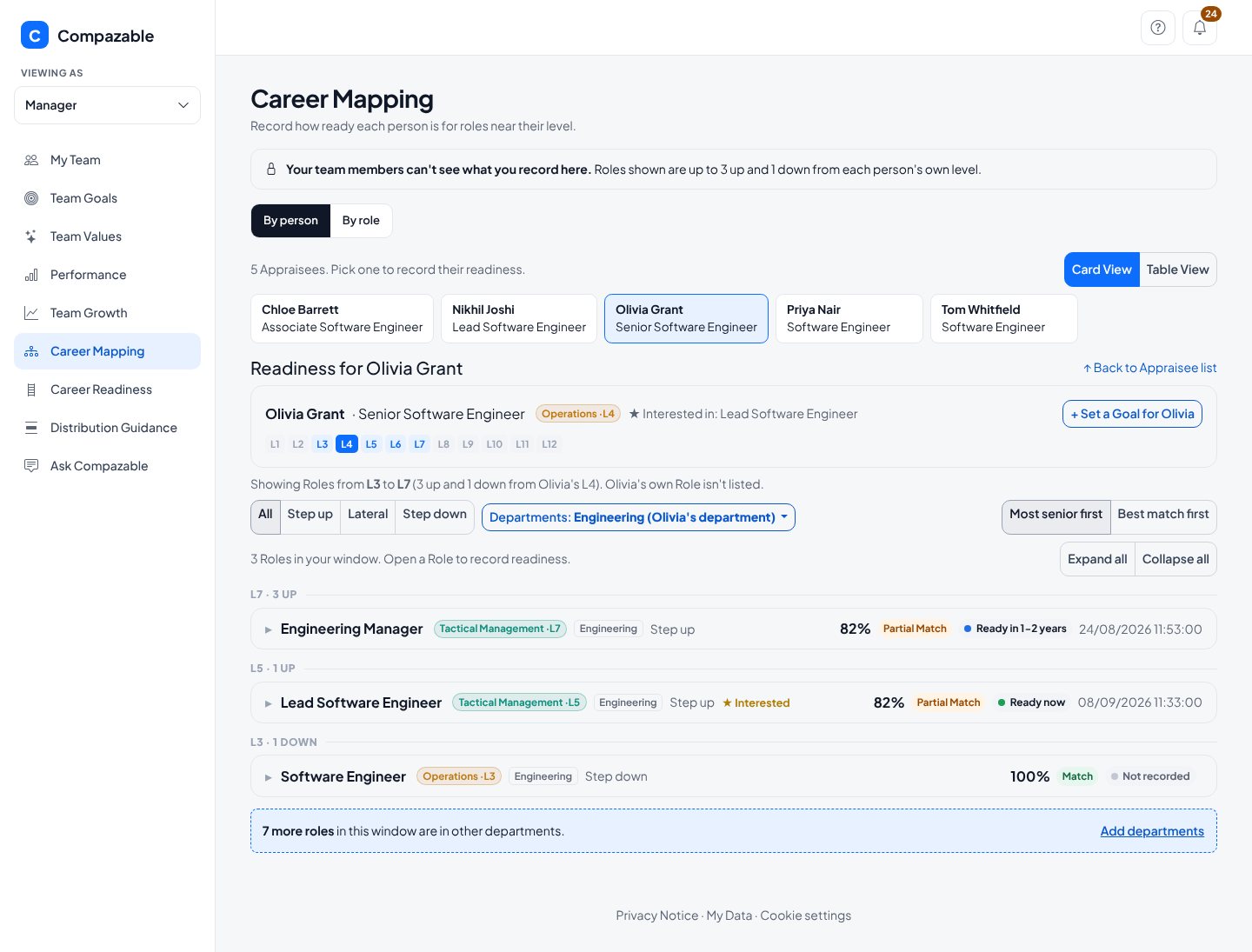
Pick a person and see the Roles near their level, three up and one down, with the match against each. Record how ready they are, and set a development Goal from here.

You see only your own people. You can also read peer feedback about your team, which the employees themselves never see.
Bring your own Roles and Competencies. A 60 minute working session built around your real setup, with no preparation needed on your side.